1
Install Emulator
Use an emulator such as BlueStacks, Memu, or LD Player.

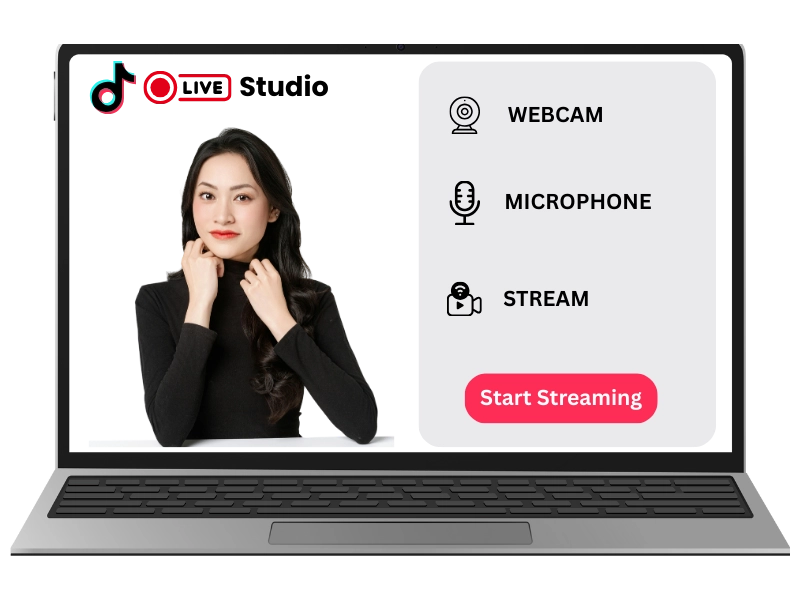
PC systems do not run Android APK files directly. To use TikTok Live APK on desktop, install a reliable Android emulator, add your Google account if needed, and then install TikTok APK inside the emulator environment.
| Requirement | Recommended |
|---|---|
| RAM | 8 GB or more |
| Storage | 5 GB free space for emulator and app files |
| Internet | Stable Wi-Fi or Ethernet |
| Processor | Modern dual-core or better |
Use an emulator such as BlueStacks, Memu, or LD Player.
Import the TikTok APK file into the emulator and complete installation.
Open TikTok, sign in, and check live tools based on account eligibility.